![CARMA Stacked Negative Logo.png]](https://help.carma.com/hs-fs/hubfs/CARMA%20Stacked%20Negative%20Logo.png?height=40&name=CARMA%20Stacked%20Negative%20Logo.png)
In this tutorial, we’ll guide you through the process of reviewing an article on the Insight platform.
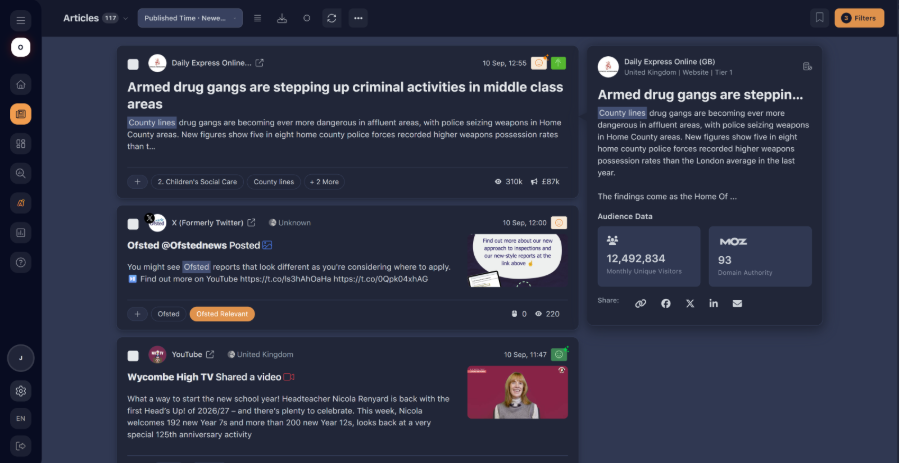
Open an article
Select the article you want to review to check its metadata and
tagging.
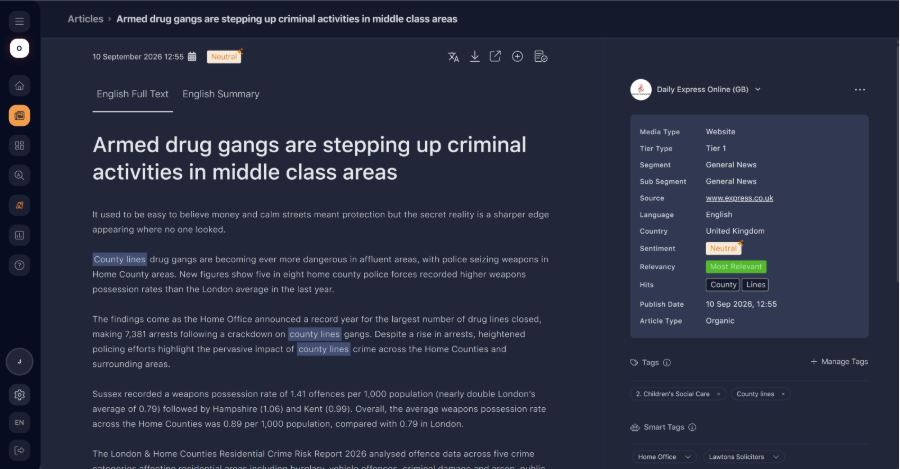
Check metadata and tags
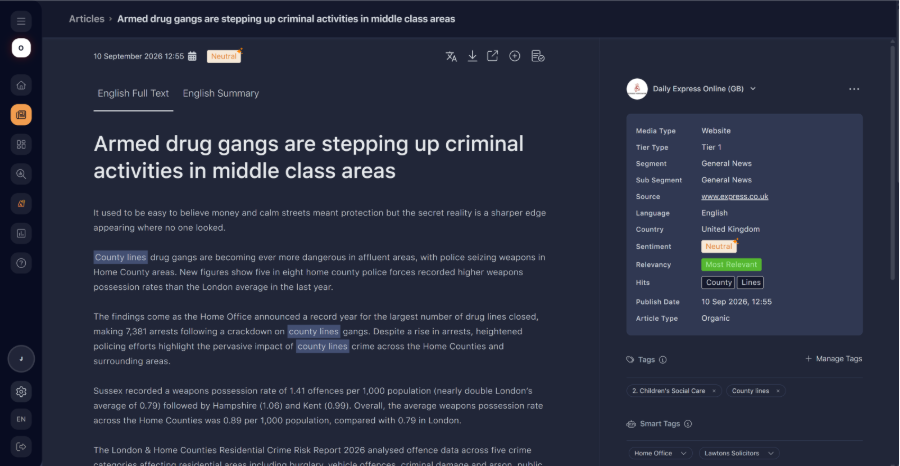
Metadata and tags are displayed on the right-hand side of the screen.
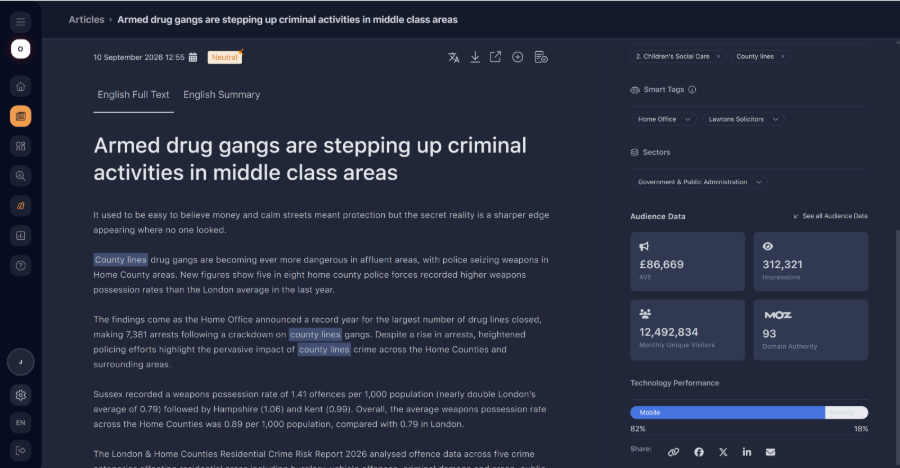
Hover over this section and scroll down to see more information.
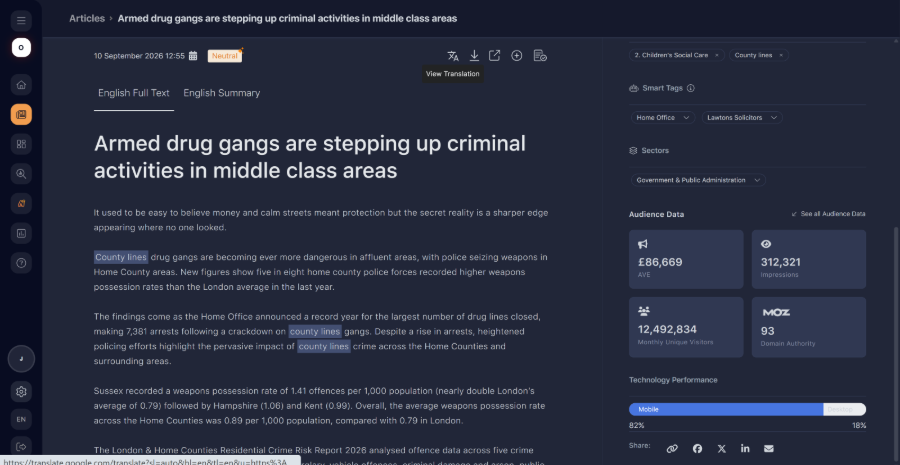
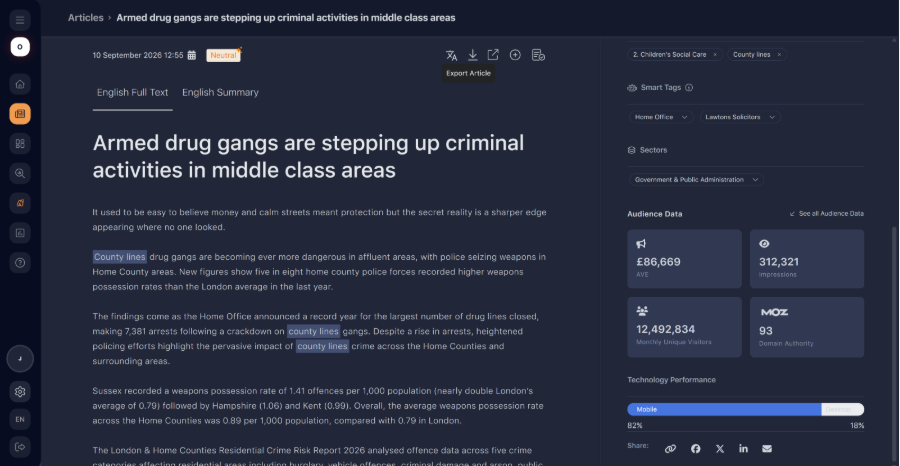
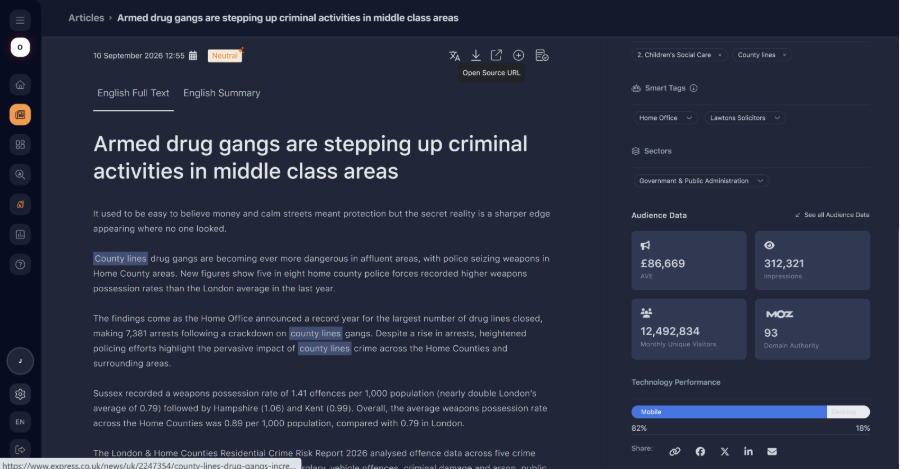
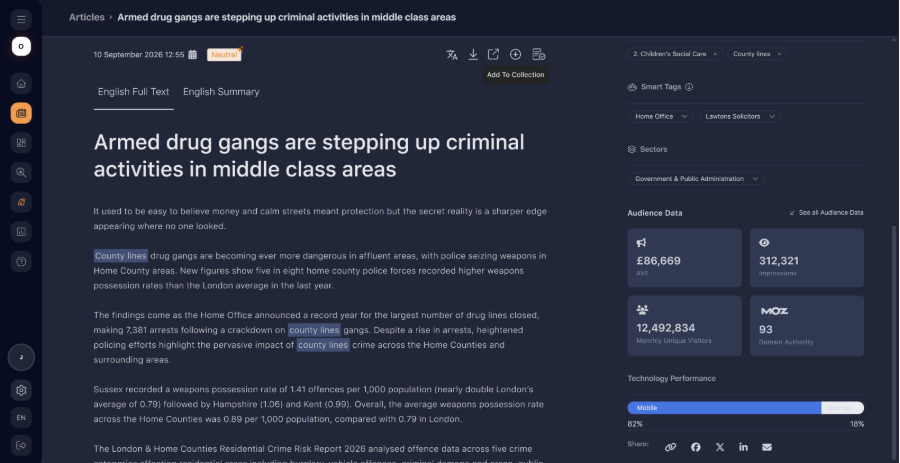
Take action on an article
Once on this page, the user also has the option to do a range of different actions with the individual article. Below shows what each of the button at the top of the article page does.