![CARMA Stacked Negative Logo.png]](https://help.carma.com/hs-fs/hubfs/CARMA%20Stacked%20Negative%20Logo.png?height=40&name=CARMA%20Stacked%20Negative%20Logo.png)
Before you start, sign in to the account you want to connect in a separate browser tab — you’ll authorise CARMA from there during the connection.
Open Manage Social Accounts
From the homepage, go to Dashboards and select Socials Professional under the dashboard options.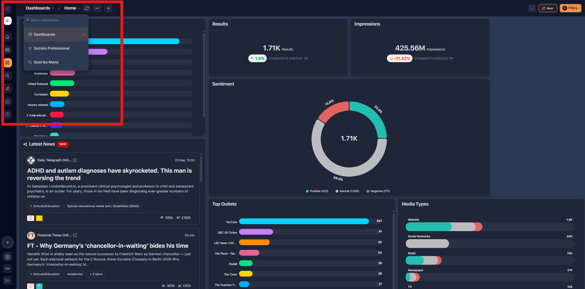
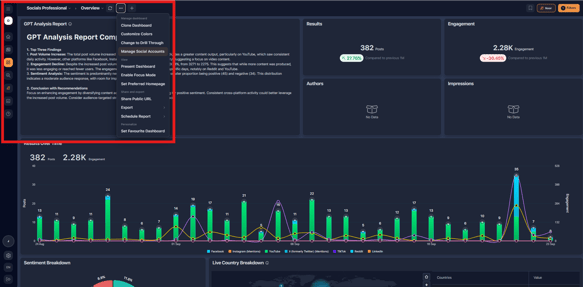
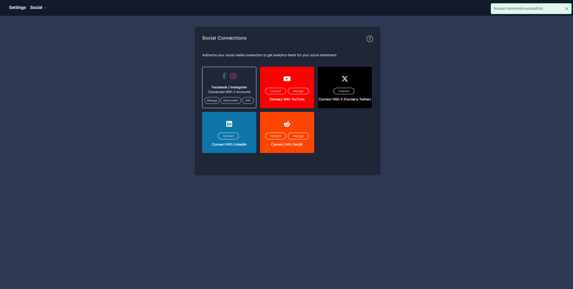
The project’s Social Connections open. From here you can connect your individual accounts.
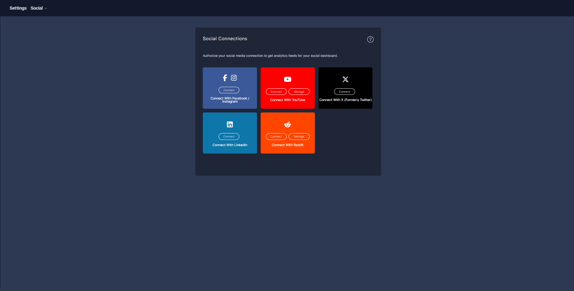
Accounts you can connect
You can connect the following social accounts:
- YouTube
- X
Before you connect a Meta account
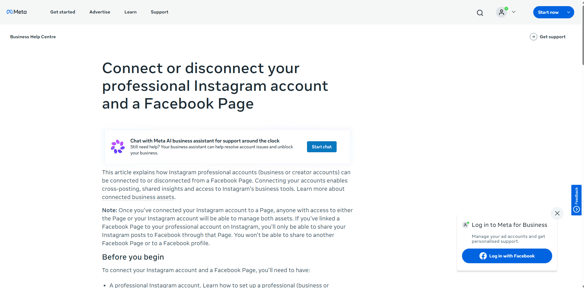
If you’re connecting a Meta account (Facebook and Instagram), first check that:
Note: your Meta accounts must meet all of the following before they can be connected:
- Your Facebook page is a Facebook Business page, and you’re an Admin or Editor.
- Your brand’s Instagram account is a Creator or Business account.
- Your Facebook and Instagram accounts are linked.
Connect an account
- Make sure you’re signed in to the account you want to connect in a separate browser tab.
- Select the Connect button next to the social account you want to add.
- Authorise the application when prompted. You’ll then be redirected back to the Social Account Connections page.
- Your account should now show as successfully connected.
Connect additional accounts
To link more accounts, sign in to the relevant account in another browser tab and follow the same steps, using the New or Edit button as needed.
Manage your connected accounts
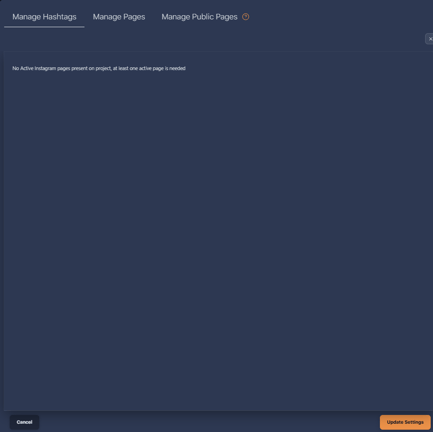
Use the Manage icons to control which accounts are actively pulling in data.
- Under the Manage Pages tab, toggle specific pages on or off to determine which ones send data to the platform.
- Data automatically syncs for all active pages.
Need more help? If an account won’t connect, contact your CARMA representative or support team, and include the provider you were connecting, whether it’s a Meta account, and any error message you saw.