![CARMA Stacked Negative Logo.png]](https://help.carma.com/hs-fs/hubfs/CARMA%20Stacked%20Negative%20Logo.png?height=40&name=CARMA%20Stacked%20Negative%20Logo.png)
Make sure you are logged in to your CARMA dashboard, and that the data feeds you want to analyse, such as your automotive coverage, are active.
Step 1: Ask Noor for a briefing
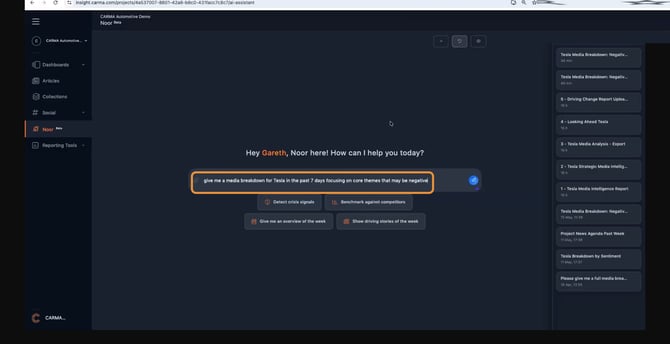
Open Noor from the left-hand menu. In the message box, describe what you want in plain language: the brand, the time window, and the angle you care about. You can type it yourself or pick one of the suggested prompts, then send it.
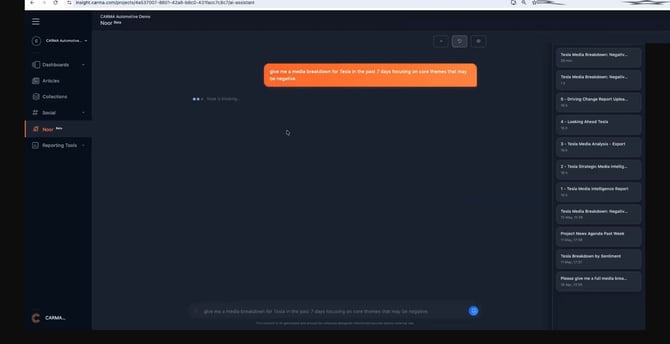
Noor gets to work, pulling the metrics, sentiment, volume and themes together in parallel.
Step 2: Review your media snapshot
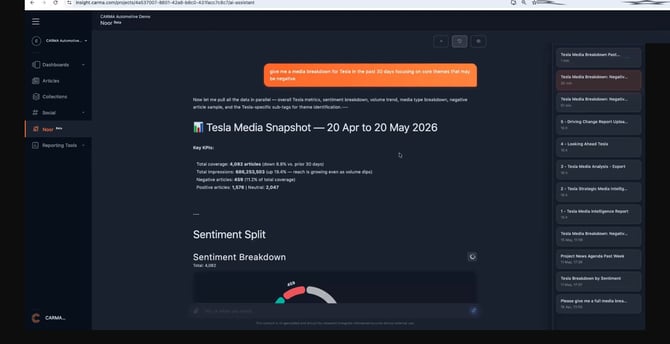
Noor returns a structured snapshot: the headline metrics, a sentiment split, channel and volume breakdowns, and the themes driving coverage. Scroll through to read the full picture.
Step 3: Go deeper on themes and competitors
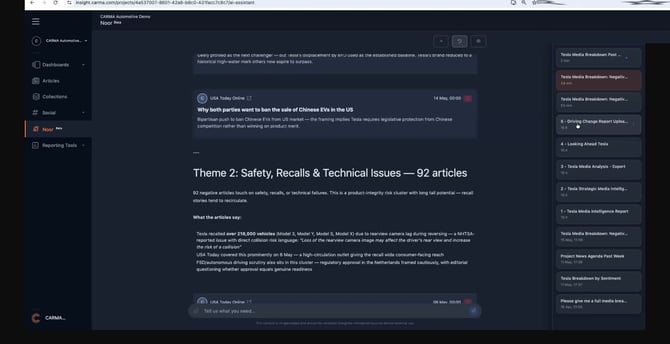
Ask a follow-up to drill into anything that stands out, whether that is a competitor threat or a specific theme. Noor expands the briefing with a strategic read and the article-level evidence behind it.
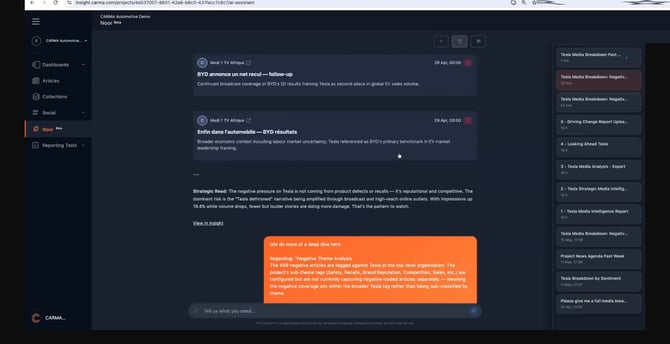
Each theme is broken out with the volume behind it and what the articles say, with sources attached.
Step 4: Export a presentation-ready PDF
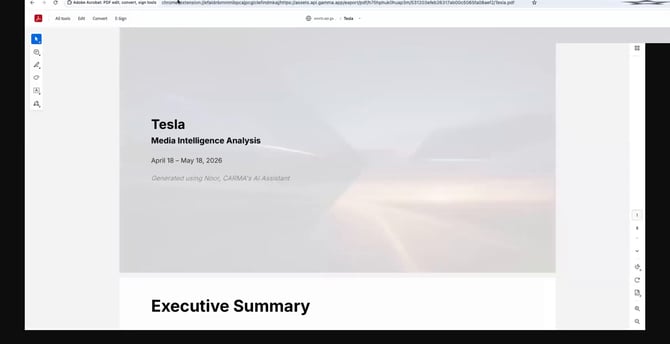
When you are happy with the briefing, export it. Noor produces a styled, executive-ready document with the same metrics, charts and analysis, ready to download, print or share.
Tips:
- Ask conversationally to combine hard numbers with written analysis in the same briefing.
- You can review a briefing in the app or download it as a standalone document at any time.
Good to know:
- When comparing competitors, for example Tesla against BYD, state the time window or focus you want. Otherwise Noor applies a default window.
- Scroll to the very bottom of a briefing. Noor's insights and recommended actions sit at the end.