![CARMA Stacked Negative Logo.png]](https://help.carma.com/hs-fs/hubfs/CARMA%20Stacked%20Negative%20Logo.png?height=40&name=CARMA%20Stacked%20Negative%20Logo.png)
AI clustering doesn’t change your coverage. It changes how the same tags are grouped, to help you explore the story behind them.
Turn on AI clustering
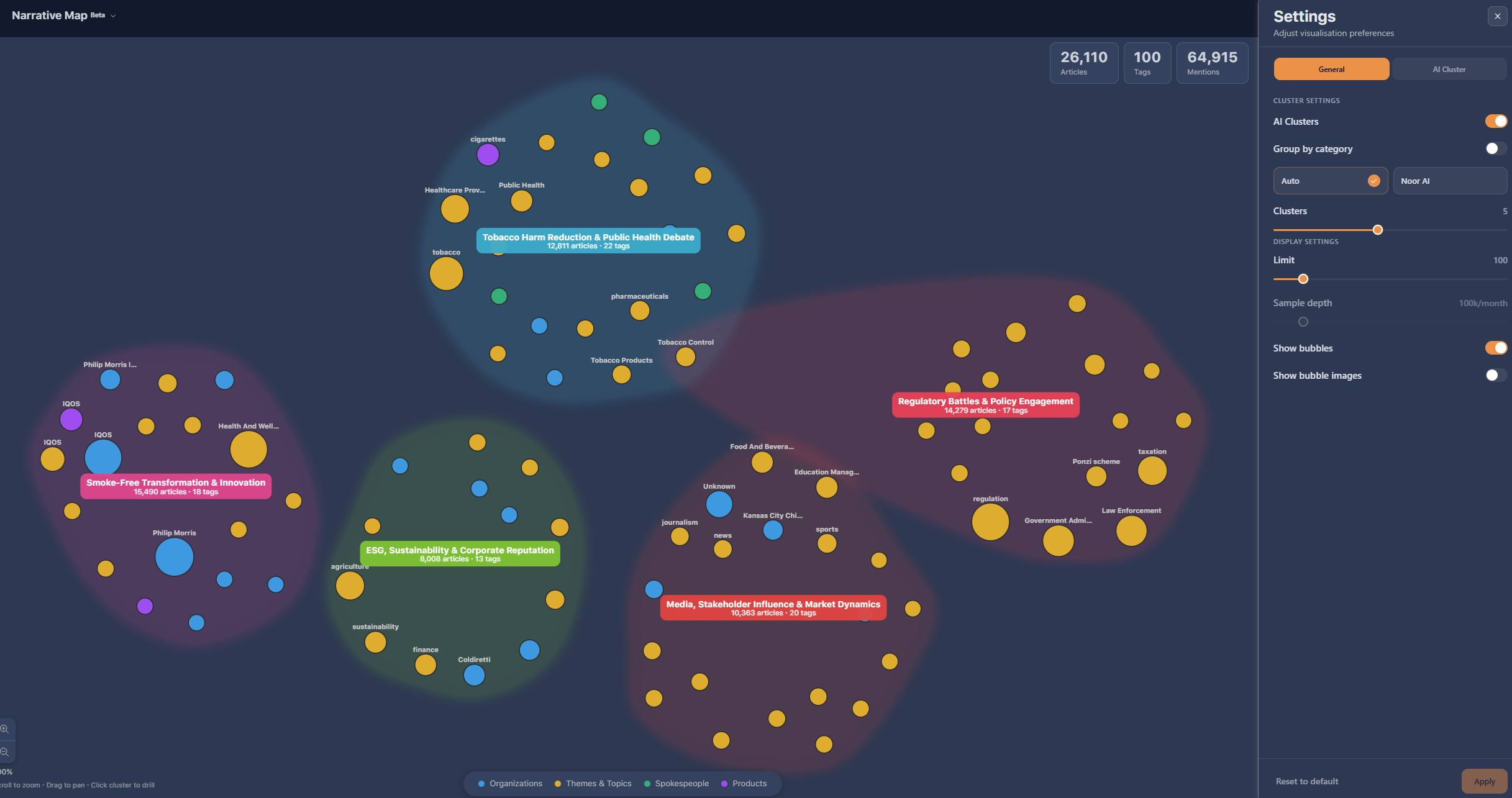
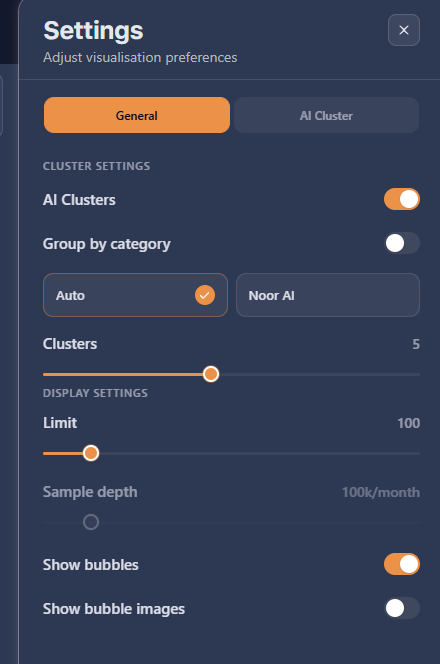
- Select the Settings (gear) icon at the top of the Narrative Map.
- Turn on AI clusters and select Apply. The map re-groups the tags into themed clusters.
- Select a cluster to see the tags within it, then select a tag to see its co-occurrences and drill into the coverage.
There are two ways the AI can build the clusters:
- Auto — groups the tags. It looks at all the tags on the map and groups the ones that belong together, naming each cluster (for example “regulatory affairs”). Fast, and driven by the tags themselves plus any context you provide.
- Noor AI — groups by reading the coverage. It samples the top articles behind the tags, reads them, works out the themes, then sorts the tags into those content-based clusters.
There’s no hard-and-fast rule — choose the mode that suits what you’re exploring.
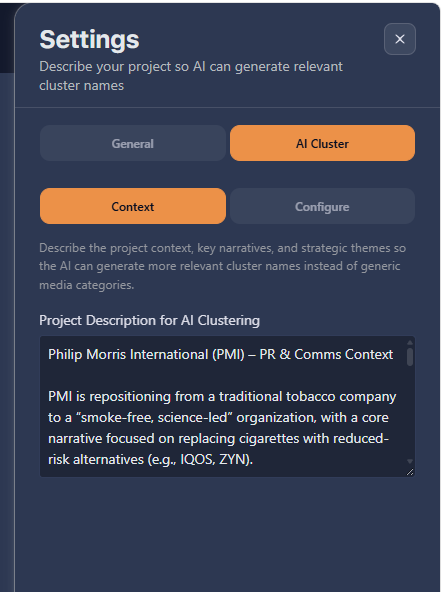
You can give the AI a brief — a short prompt describing the goals and what matters to the account. With this context, the clusters become more tailored and their names more recognisable. Without a brief it still clusters, based on the available tags as evidence.
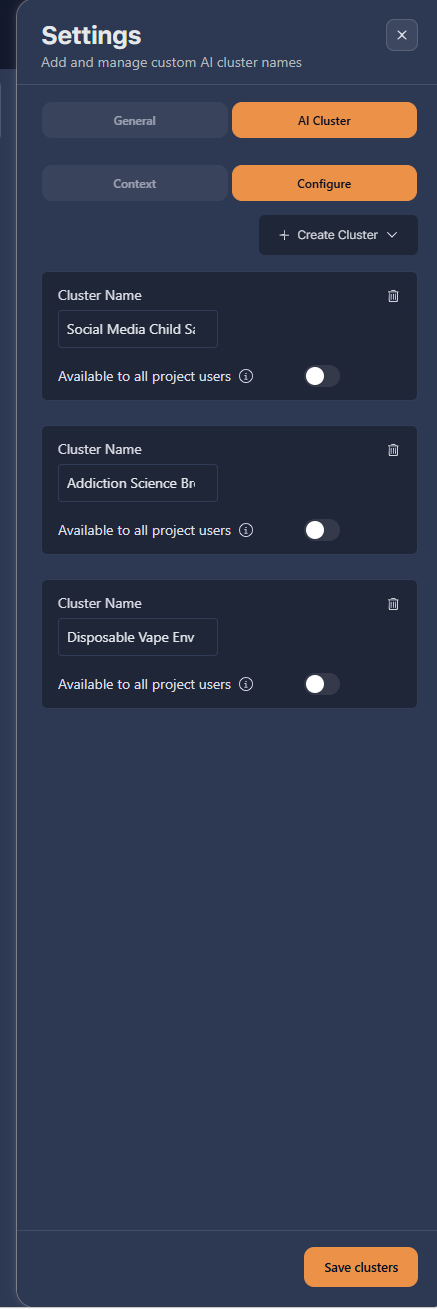
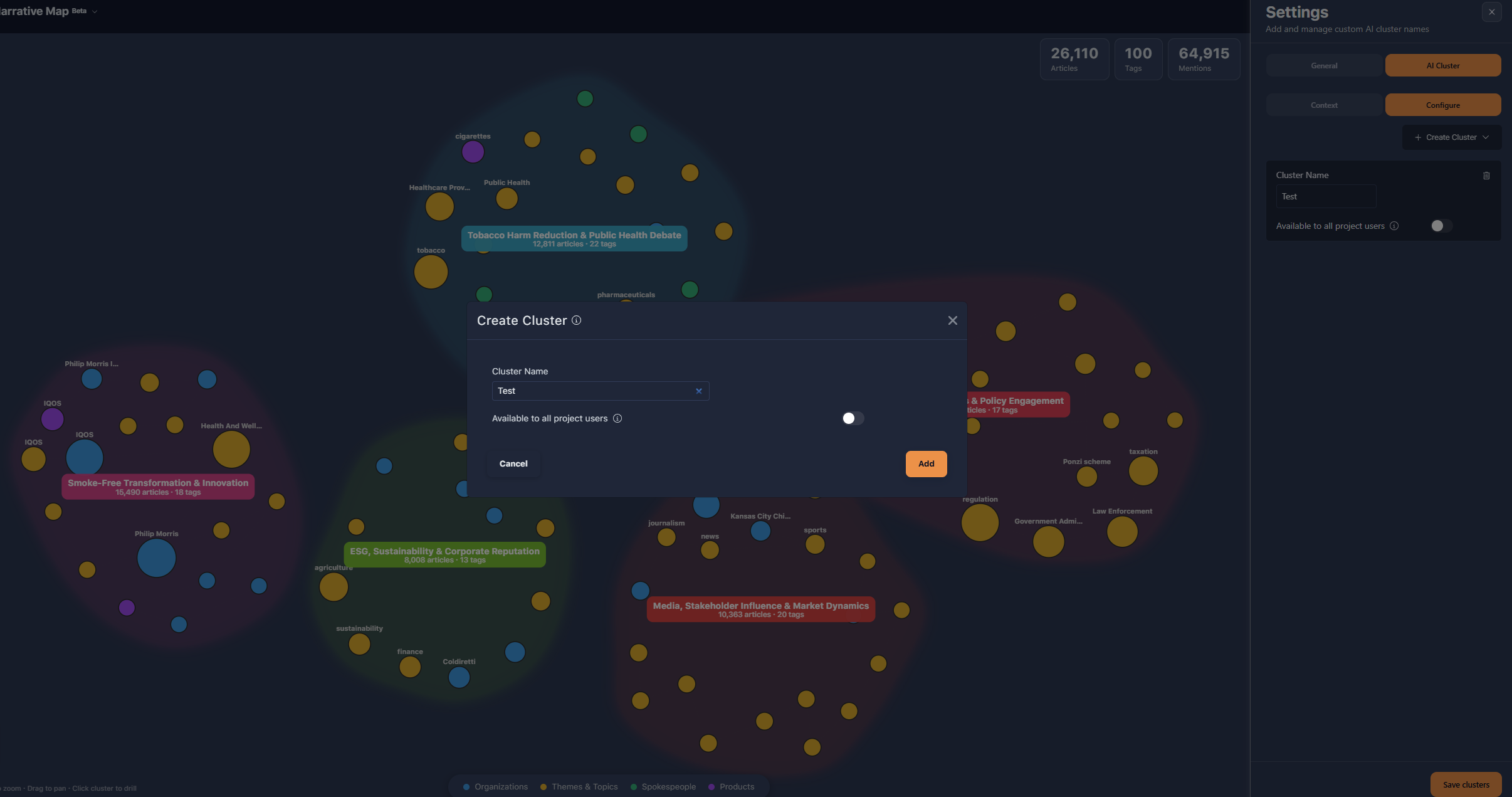
If there are themes you always want to track, create clusters manually and name them whatever you like (for example “Tobacco industry news”). The AI will build that cluster, and wherever there’s matching coverage it will appear on the map. You can add as many as you need.
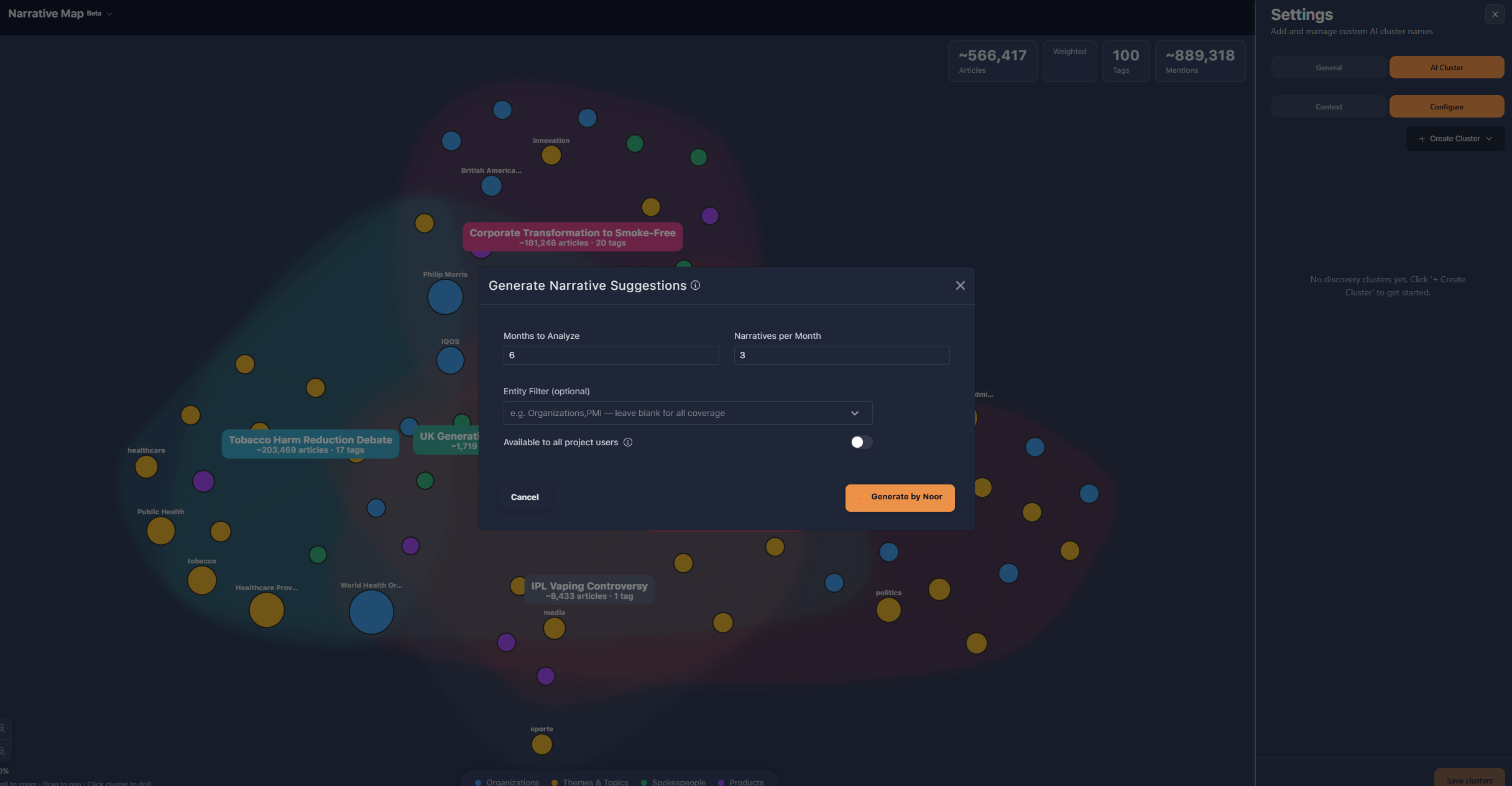
You can also generate clusters automatically from your history. Choose how far back to look (for example six months) and how many narratives per month (for example the top three). The tool captures the coverage for that period, takes the top narratives from each month, and adds them as clusters — often surfacing themes worth a closer look.