![CARMA Stacked Negative Logo.png]](https://help.carma.com/hs-fs/hubfs/CARMA%20Stacked%20Negative%20Logo.png?height=40&name=CARMA%20Stacked%20Negative%20Logo.png)
Once a social channel is set up for monitoring, its content flows into CARMA Social and becomes available for analysis.
From Socials Professional, you can use Dashboards, Channels and Feeds to explore your Social data in different ways.
Navigate CARMA Social
Use the selector at the top of Socials Professional to move between your dashboards, channels and other available views.
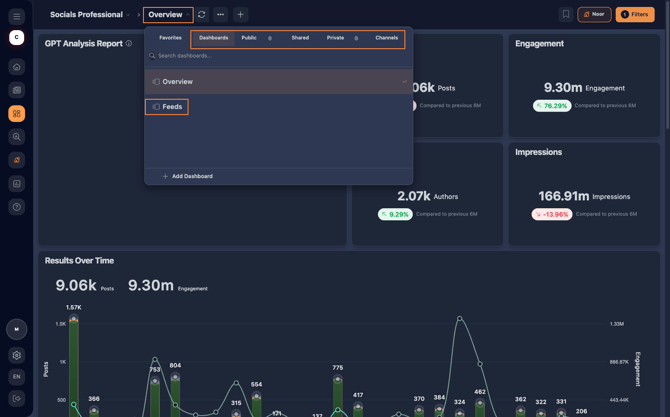 Use the selector to navigate your Social dashboards and channels.
Your Social data can be explored in three main ways:
- Dashboards — build and customise visual analysis of your Social data.
- Channels — view dashboards dedicated to individual social channels.
- Feeds — explore the individual social posts flowing into your monitoring.
Let's look at each one.
Dashboards
Dashboards bring Social metrics and visualisations together so you can analyse your monitoring data.
You can use existing dashboards or create your own using ready-made widgets and Widget Studio.
Dashboards can be found under different areas depending on their access settings, including Public, Shared and Private.
Want to build your own? See Create and manage a dashboard in CARMA Social.
Channels
Channels provide dashboards for each of your monitored social channels.
Open the Channels tab from the selector and choose a social network to view its dashboard.
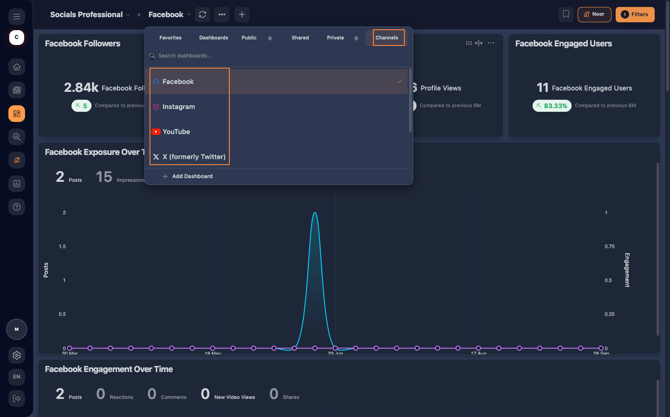 Select a monitored social channel to open its dashboard.
The dashboard then displays the widgets and analysis available for that channel.
For example, an X channel dashboard can bring together information such as followers, profile views, exposure and engagement.
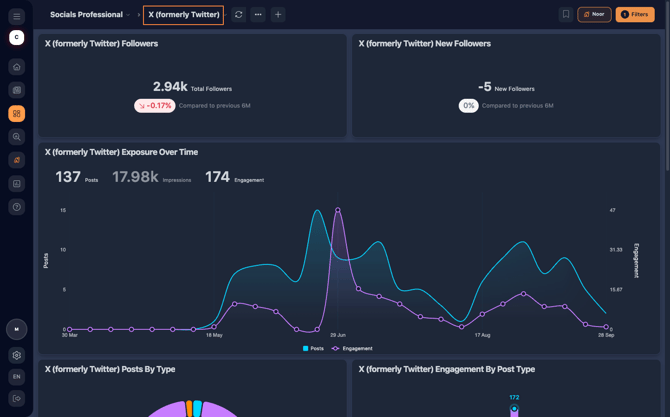 Channel dashboards bring together analysis for an individual monitored social channel.
The information available will depend on the channel and the Social data flowing into CARMA.
Feeds
Feeds let you explore the individual social content captured through your monitoring.
Instead of viewing aggregated analysis through widgets and charts, you can browse the posts themselves.
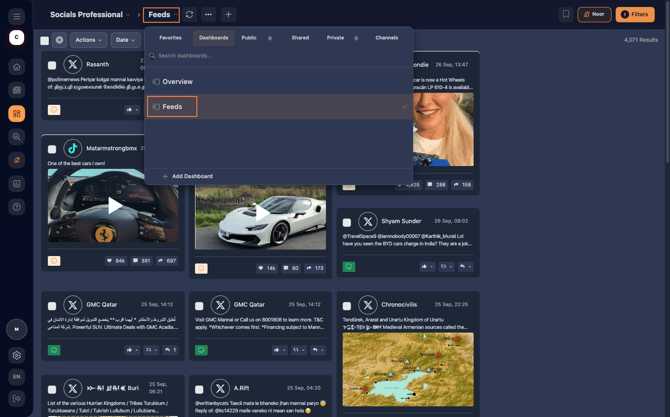 Use Feeds to browse the social content captured through your monitoring.
You can also use Filters to narrow down the content you want to explore.
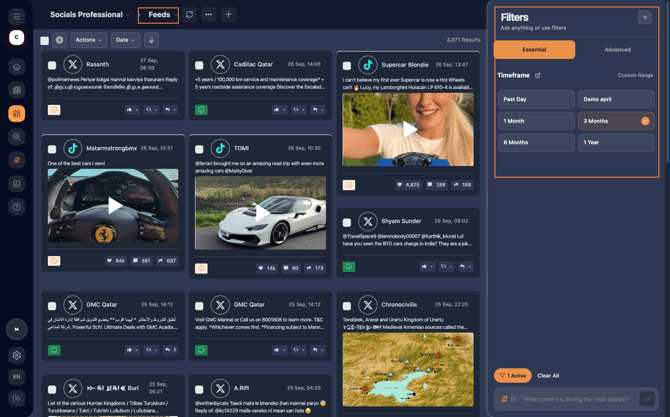
Apply filters to focus your Feed on the content you want to review.
Explore an individual post
Select a post in the Feed to examine it in more detail.
A side panel opens where you can review the content or video and see the metrics available for that post.
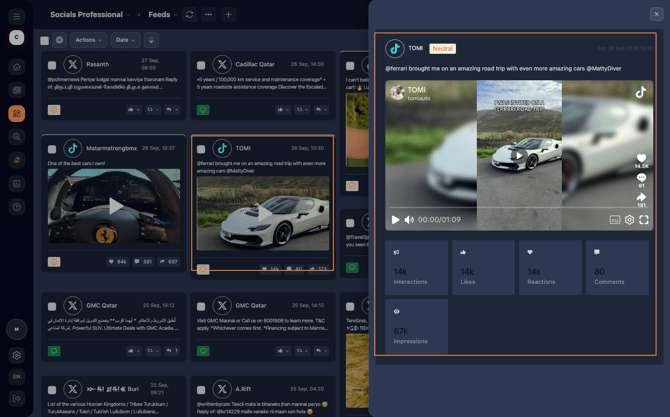 Select a post to review its content and available metrics in more detail.
This makes Feeds useful when you want to move from overall Social performance into the individual content behind your results.
Which view should I use?A simple way to think about the three areas is:
| I want to... | Use |
|---|---|
| Analyse my Social monitoring using customised metrics and visualisations | Dashboards |
| View analysis for an individual monitored social channel | Channels |
| Browse and investigate individual social posts | Feeds |
Build your Social analysis
Once your Social data is flowing into CARMA, you can create dashboards using ready-made widgets or build more customised analysis with Widget Studio.
Continue with:
Connect your social accounts to CARMA — connect your social accounts for monitoring.
Create and manage a dashboard in CARMA Social — build and manage your own Social dashboards.
Create custom Social widgets with Widget Studio — choose your Social metrics, breakdowns and visualisation settings.
Share and export your Social data — share your analysis with others or export your results.